From Chrome 134, web apps that play audio or video can automatically enter picture-in-picture mode. This means that music and video players on the web can now seamlessly switch to a mini player window when the user switches tabs, eliminating the need for manual activation.
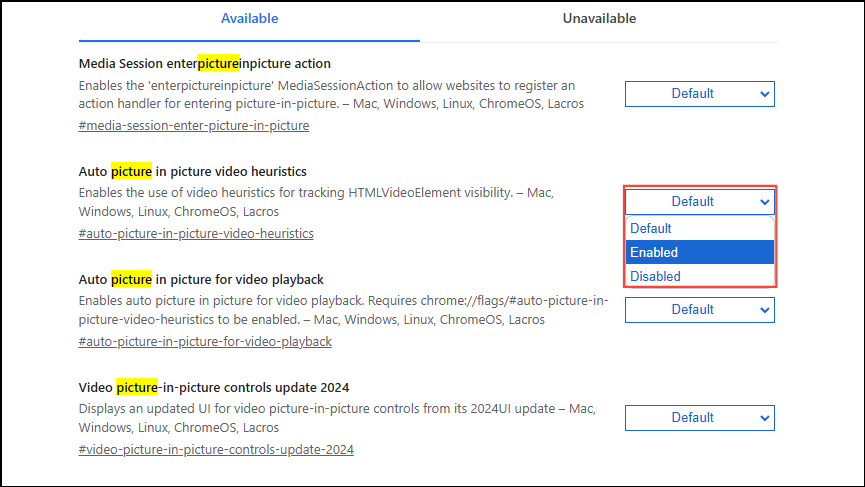
To enable/disable and test this feature immediately, enable/disable the “Auto picture in picture for video playback” flag atchrome://flags/#auto-picture-in-picture-for-video-playback.
You can try it with clicking here: chrome://flags/#auto-picture-in-picture-for-video-playback